
Getting started
 Sign up and create your company
How to register in Partnerix and create your company.
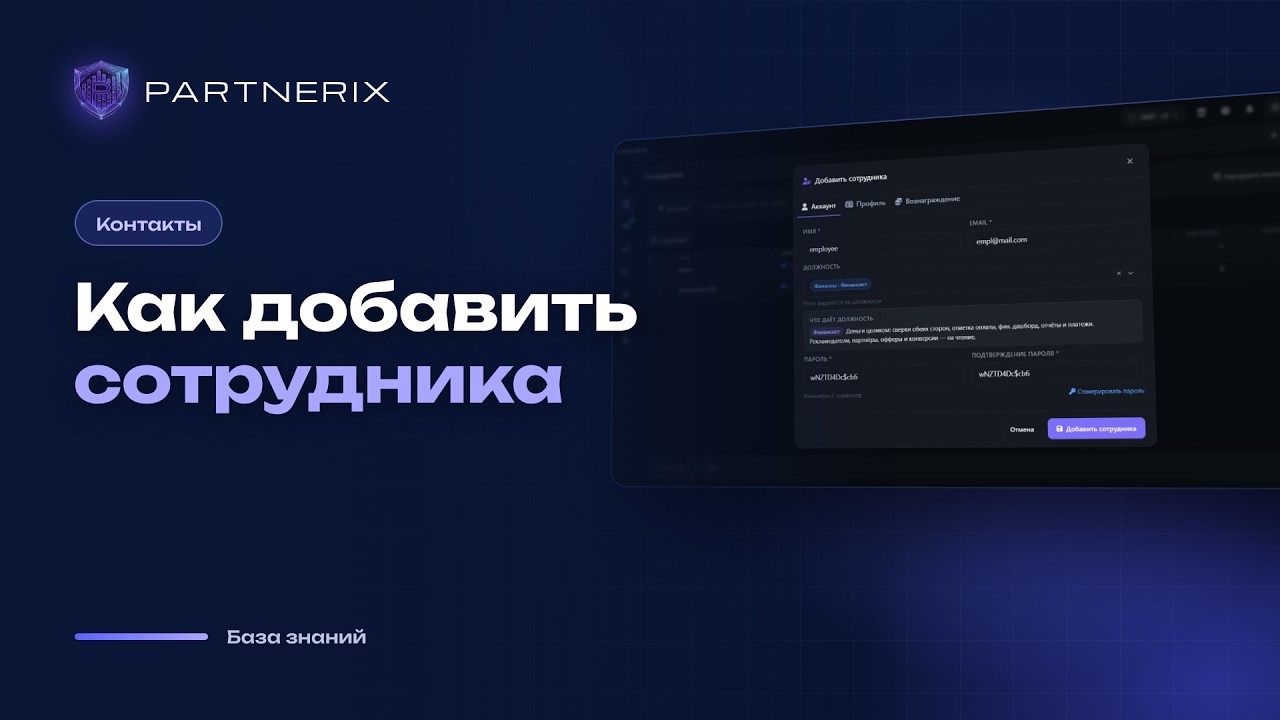 Adding an employee
Invite a teammate and assign a position.
 Creating an advertiser
Add an advertiser and fill in the profile.
 Creating a partner
Add a partner and get them ready for offers.
 Creating an offer
Create an offer: the main fields and settings.
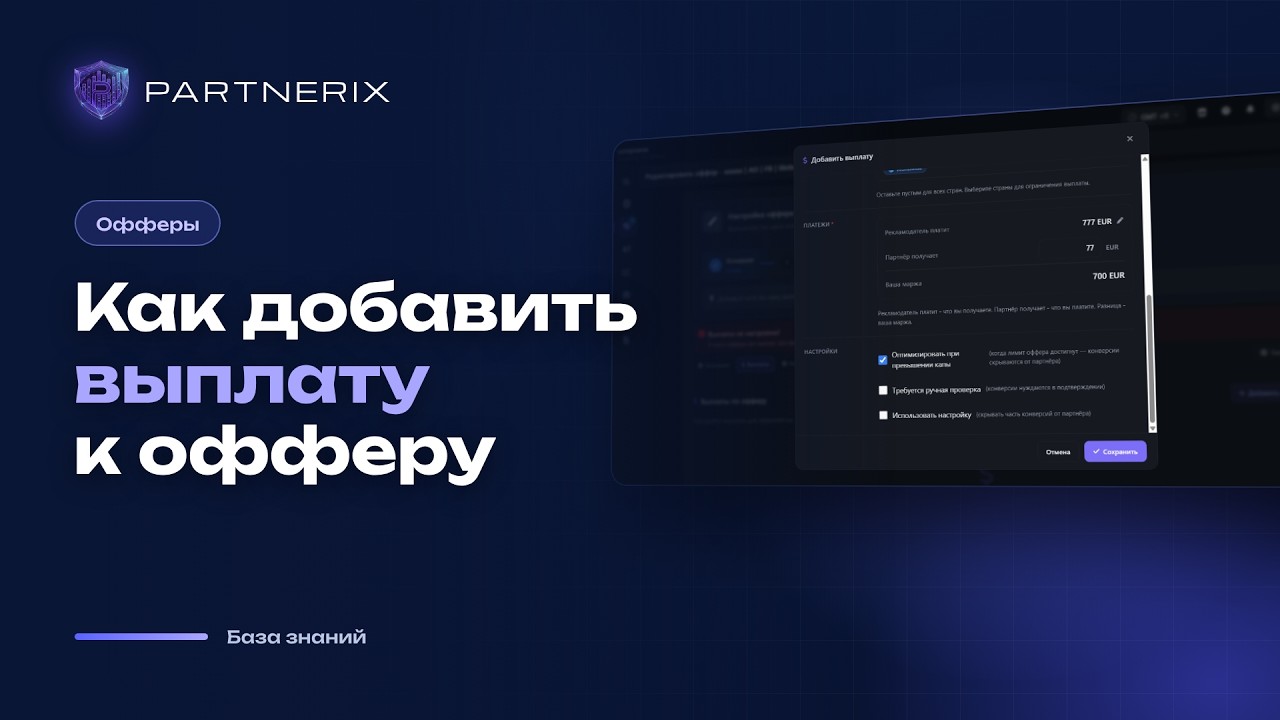 Adding a payout to an offer
Advertiser and partner rates in an offer.
Offers and traffic
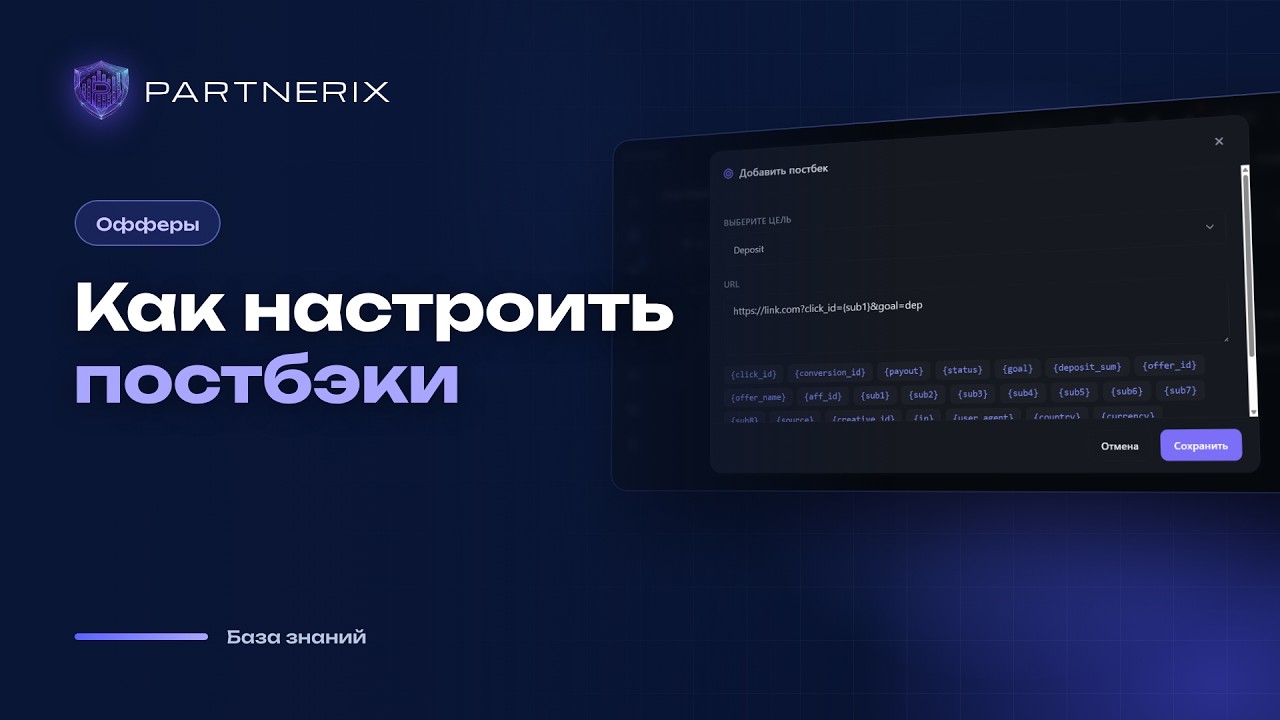 Postbacks in an offer
Where postbacks live, how to add a URL and pick an event.
 Caps in an offer
Limit conversion volume and decide what happens when a cap fills up.
 Traffic distribution in an offer
Distribution rules, conditions and how they are applied.
 Partner postbacks: “My postbacks” and /pbinfo
The tenant-wide postback URL, macros and ready-made instructions via the Telegram bot.
 The statistics module
Filters, groupings and the key traffic metrics.
 Anomalies: traffic drops and alerts
Spot sudden drops in traffic and conversion and get alerts in Telegram.
Telegram
 Connecting a Telegram bot to a tenant
From creating a bot in BotFather to connecting it in the admin panel and partner chats.
 Telegram bot commands and linking your account
A full tour of the tenant bot commands and linking a personal Telegram account.
 Chat metrics
Manager, partner and advertiser activity in Telegram: what is needed and how to read it.
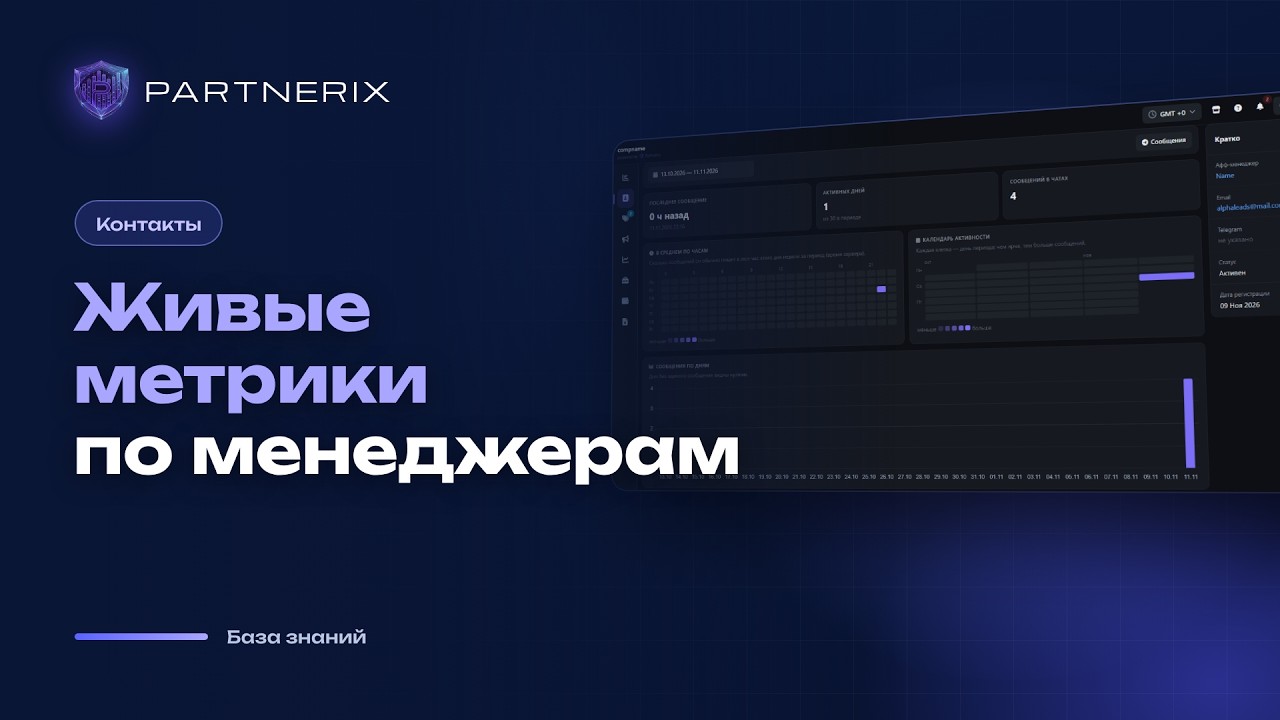 Live activity metrics
Track activity, review conversations and measure response time.
Finance
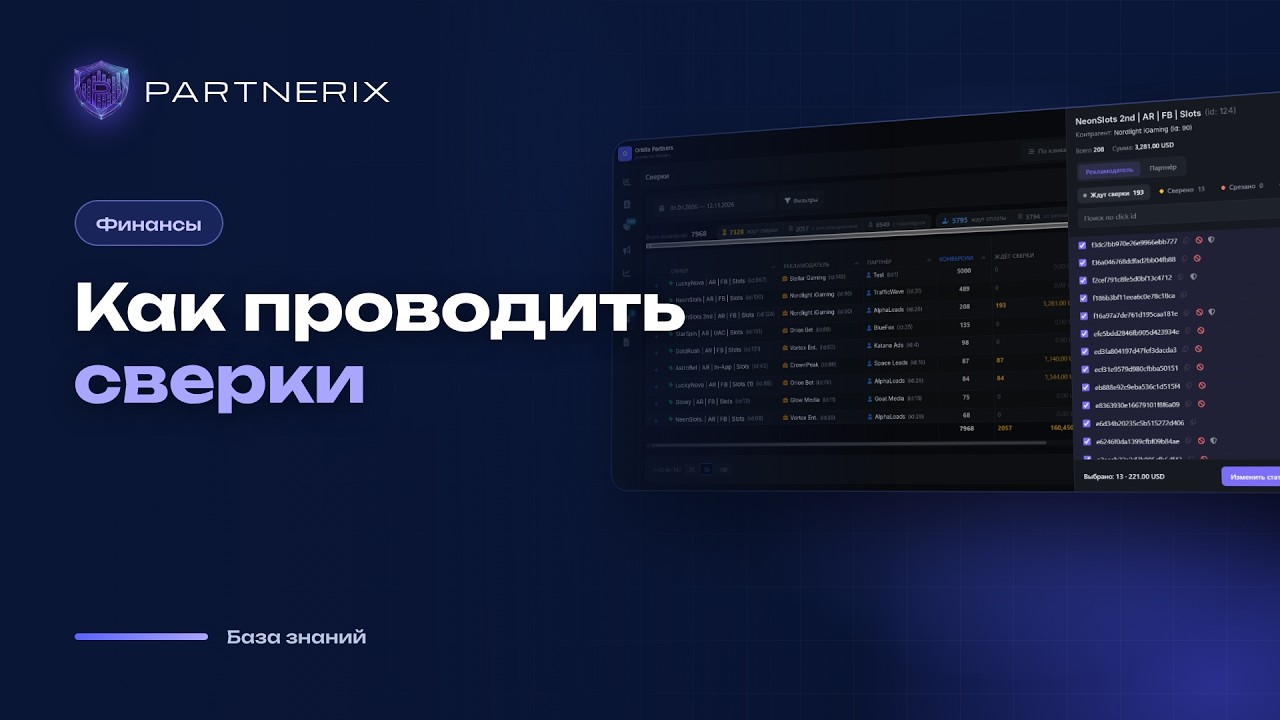 Running reconciliations
Conversion statuses, payments and shaves, and totals on the finance dashboard.
 Invoices: layout, issuing and payment
Set up the invoice layout, issue it, send it to Telegram and get it paid.
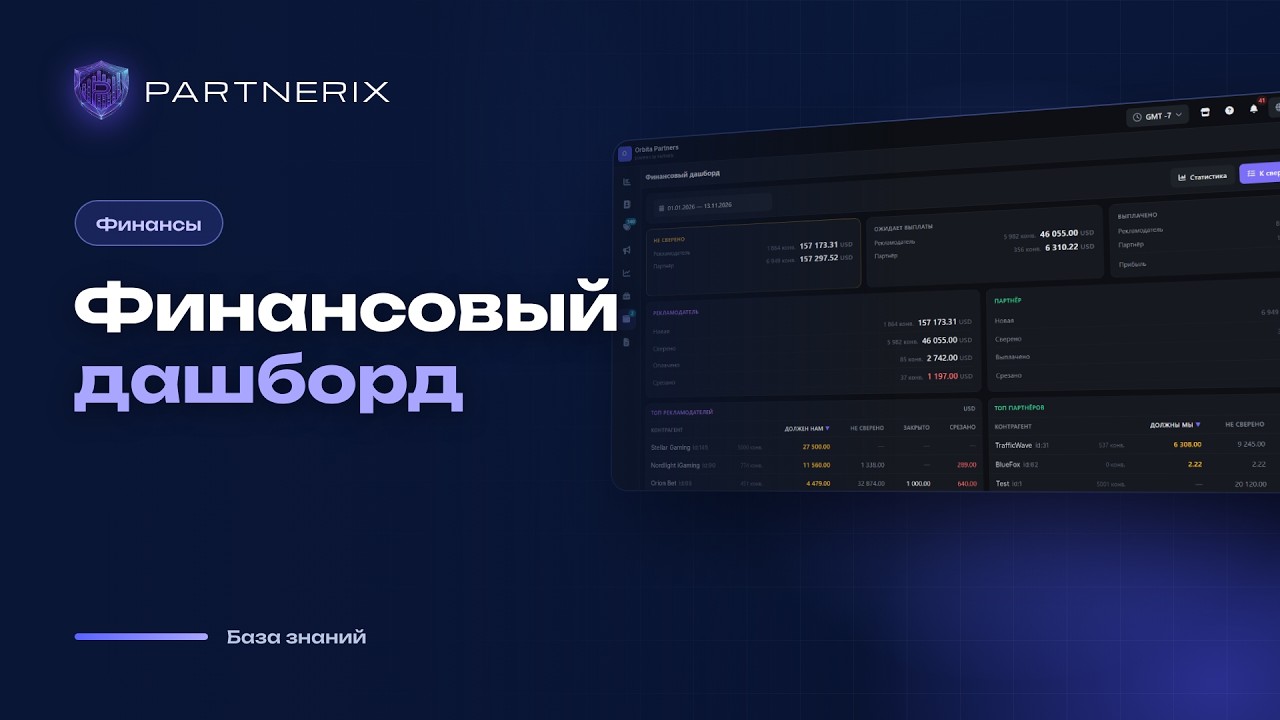 The finance dashboard
Unreconciled, awaiting payout, paid — and shortcuts to reconciliations and stats.
 Payments: incoming, outgoing and profit
The Payments section: what came in, what went out and the result.
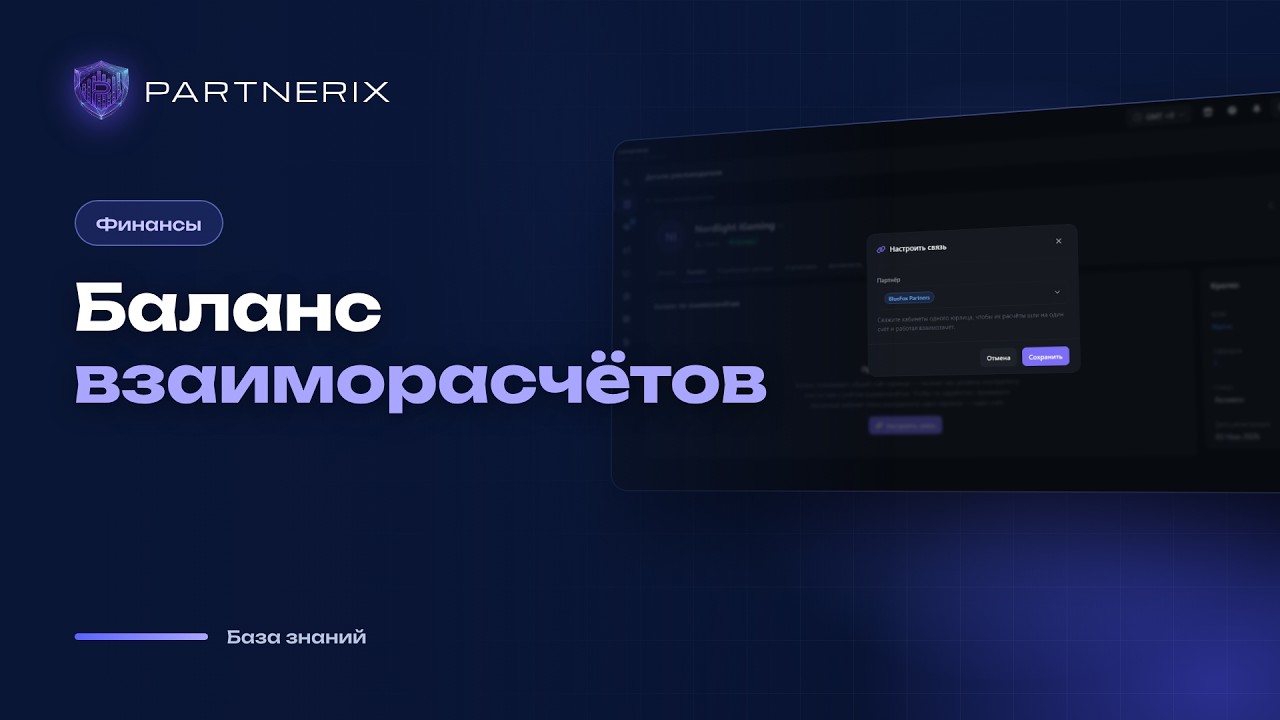 Netting
The internal settlement balance for a company that is both your advertiser and your partner.
